Forex VPS for Expert Advisors: What Actually Matters (and What Doesn't)
· 6 min read · LunqFX Team
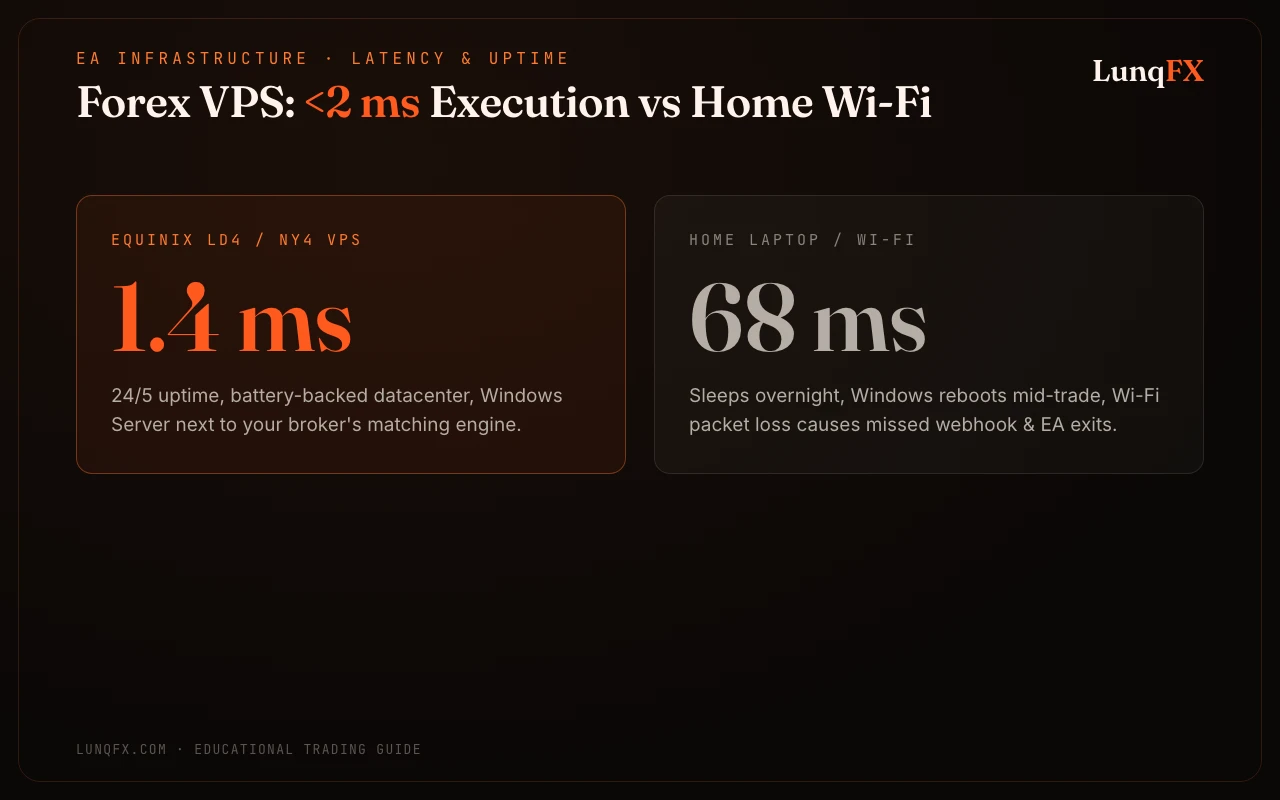
A forex VPS for expert advisors solves one specific problem: your EA cannot trade if your computer is asleep, updating Windows, or on the wrong side of a dropped Wi-Fi connection. Everything else — the millisecond latency figures, the CPU core counts, the "ultra-low latency" marketing — is secondary, and for most retail strategies far less important than vendors would like you to believe.
This guide separates the part that genuinely matters (uptime and proximity) from the part that's mostly upsell, and gives you concrete specifications and a setup procedure.
Do You Actually Need One?
Be honest about which category you're in.
You need a VPS if: you run any EA you rely on, you've automated TradingView alerts to MT5, you run a night-session strategy while you sleep, or you trade from a laptop that moves between networks.
You don't need one if: you trade manually during a session you're awake for, and you close positions before you close the laptop. A manual swing trader with stops and targets on the broker's server gains almost nothing from a VPS — the broker is executing those orders, not your terminal.
The distinction is simple: a VPS keeps a program running. If no program of yours needs to be running while you're away, you're buying uptime you don't consume.
What Latency Actually Costs You
Latency is the round-trip time between your terminal and the broker's server. Marketing pages quote sub-millisecond figures and imply this is decisive. For the overwhelming majority of retail strategies, it isn't — but the difference between 5 ms and 150 ms is real, and here's the honest breakdown:
Where latency genuinely matters: high-frequency and tick-scalping EAs, news-reaction strategies, and any system whose expected profit per trade is a few pips. If your target is 5 pips and slippage is routinely 1 pip, execution quality is a quarter of your edge.
Where it barely matters: swing EAs, anything on H1 and above, and grid systems (which have far bigger problems than latency). An EA entering on H4 closes does not care whether the order took 5 ms or 90 ms.
Where it matters and nobody mentions it: during fast markets. The gap between a well-connected VPS and a home connection widens exactly when volatility spikes — which is when your stops are being hit. Average latency is a marketing number; latency during a news spike is the one that costs money.
The one thing you actually control: distance. Network latency is dominated by physical proximity to your broker's server. Moving from a home connection to a VPS in the same datacenter region as your broker typically removes the large majority of controllable latency. Nothing else you buy comes close to this effect.
Choosing the Right Location — the Only Decision That Really Matters
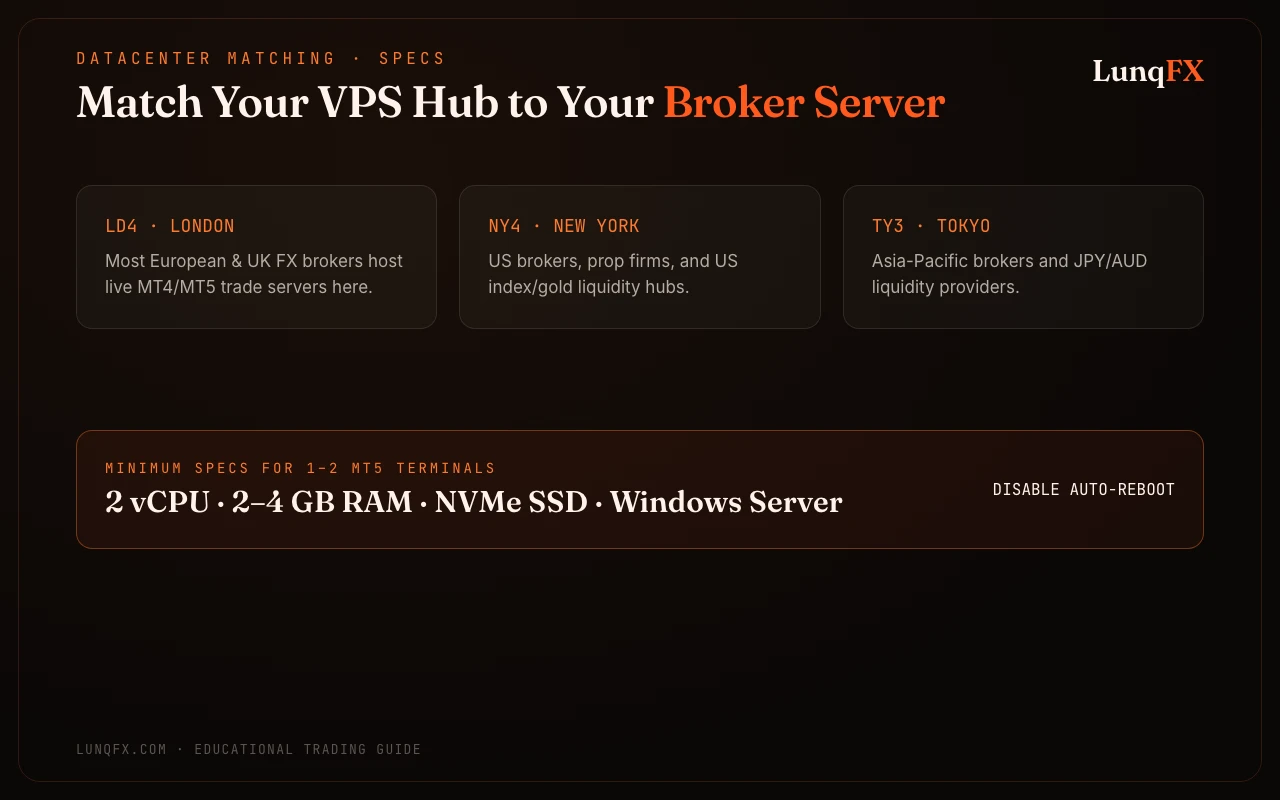
Most brokers host their MT4/MT5 servers in a small number of financial datacenter hubs, commonly Equinix facilities: LD4/LD5 (London), NY4/NY5 (New York/Secaucus), FR2 (Frankfurt), TY3 (Tokyo), SG1 (Singapore).
Your job is to match. Do it in this order:
- Find your broker's server location. In MT5, hover over the connection status in the bottom-right corner — it shows ping. Ask your broker's support directly which datacenter hosts your account's server; most will tell you.
- Choose a VPS in that city. A London-hosted broker with a London VPS beats a "premium ultra-low-latency" VPS in Frankfurt every time.
- Test before committing. Reputable providers offer trials or short billing periods. Install MT5, check the ping, and run for a week.
A VPS in the wrong city, however powerful, cannot outperform physics. This one decision outranks every specification below.
Realistic Specifications
Trading VPS requirements are modest — MT5 is not a demanding application. Vendors upsell aggressively, so here's a grounded baseline:
| Setup | CPU | RAM | Storage |
|---|---|---|---|
| 1–2 EAs, one terminal | 2 cores | 2–4 GB | 40 GB SSD |
| 3–5 EAs, one or two terminals | 3–4 cores | 4–8 GB | 80 GB NVMe |
| Multiple terminals, heavy indicators | 4+ cores | 8–16 GB | 120 GB+ NVMe |
Things that matter more than raw specs:
- Windows Server licence included — MT5 on Linux via Wine works but adds a failure mode you don't need.
- Uptime guarantee and its actual history. 99.9% uptime is about 43 minutes of downtime per month. Ask what happened during their last incident.
- Automatic reboot recovery. After a restart, does MT5 relaunch with your EAs attached and Algo Trading enabled? If not, an unnoticed reboot silently stops your trading.
- Snapshot/backup. Rebuilding a configured terminal from scratch after a failure costs hours.
Notably absent: GPU, high core counts, and "trading-optimised" networking tiers. Custom indicators are cheap to compute; if a chart is slow, the cause is usually an inefficient script, not the server.
Setting It Up
- Order the VPS in your broker's datacenter city and connect over Remote Desktop.
- Install MT5 from your broker's own download link — not a third-party mirror.
- Copy over your files:
MQL5/Experts,MQL5/Indicators, and anyLibrariesorFilesdependencies. Same folder structure as your desktop; the MT5 installation guide covers the paths. - Enable Algo Trading in the toolbar, and under Tools → Options → Expert Advisors add any WebRequest URLs your tools need.
- Attach your EAs, then verify: check the Experts and Journal tabs for initialisation errors before walking away.
- Set MT5 to launch on startup and configure Windows to auto-login after reboot. Skip this and one Windows update ends your automation silently.
- Disable automatic Windows restarts during your trading hours.
- Set up monitoring. Enable MT5's email or push notifications for trade events. If your EA stops trading, you want to notice in hours, not weeks.
- Run demo for a week on the VPS before pointing it at a live account. The migration itself is a change worth testing.
Broker-Provided vs Third-Party VPS
Many brokers offer a free or discounted VPS if you maintain a balance or trade a monthly volume. These are usually hosted right beside the broker's server, which makes them excellent on the one metric that matters most.
The trade-offs: they're often resource-limited (fine for one or two EAs, not for a multi-terminal setup), and they tie your infrastructure to one broker. If you run strategies across several brokers, an independent VPS in the right datacenter is cleaner. Start with the broker's offer if you qualify — it's frequently the best value in this entire category, and it costs nothing to test.
Before You Rent Anything
A VPS improves execution of a strategy. It cannot create an edge, and it will not rescue a bad EA — it will simply run it more reliably, for more hours, with fewer interruptions, all the way down. Validate the strategy first with a proper MT5 backtest and forward test, confirm it survives the due-diligence checks for automated systems, and rent the server once you have something worth keeping online.
FAQ
Do I need a VPS to run an Expert Advisor? If you need the EA running while your computer is off, asleep, or disconnected — yes. Manual traders who close positions before shutting down generally don't.
How much latency is acceptable for forex trading? Under about 10 ms is excellent and comes from being in the same datacenter region as your broker. Under 50 ms is fine for most strategies. Only tick-scalping and news systems genuinely need the low single digits.
What VPS specs do I need for MT5? Two cores and 2–4 GB RAM handles one or two EAs comfortably. Reliability features — Windows Server licence, reboot recovery, backups — matter more than extra cores.
Is a broker's free VPS good enough? Often yes, and it's usually hosted next to the broker's server, which is the biggest latency factor. The limitations are resource caps and being tied to one broker.
Will a VPS make my EA more profitable? No. It improves uptime and execution consistency. Profitability comes from the strategy; a VPS only ensures the strategy actually runs.